- Products
- 123SCADA Platform
123SCADA: The Cloud-Based SCADA Platform Built for Water and Wastewater
123SCADA is Mission Communications’ cloud-based SCADA software platform, purpose-built for monitoring and controlling water and wastewater infrastructure. It serves as the central hub for every Mission-managed SCADA deployment, providing real-time dashboards, alarm management, automated reporting, and remote control capabilities through a web browser or mobile app.
Your Entire Water System in One Platform
Unlike traditional SCADA software that requires on-premise servers, software licenses, and dedicated IT support, 123SCADA is fully hosted and maintained by Mission. There is no software to install, no licenses to manage, and no servers to maintain. Updates are deployed system-wide automatically, so every user always has access to the latest features and security improvements.
The platform currently supports more than 40,000 RTUs across 6,100+ utilities, processing millions of data points daily with carrier-grade uptime and security.
Explore the 123SCADA Platform
Features
Live map and data views, customizable desktops, alarm management, remote commands, and unlimited users with five access levels.
Explore FeaturesiOS · AndroidMobile App
The full web portal on a phone or tablet, plus QR-code RTU configuration, geolocation, camera-to-support, and push alarms.
Explore Mobile App50+ reportsReporting
Pump performance, analog and digital data, flow, compliance, engineering, and management reports, exported or scheduled to your inbox.
Explore ReportingDefense in depthSecurity
Encrypted private cellular networks, a carrier-grade data center, 2FA, five levels of role-based access, and full activity logging.
Explore SecurityReal-Time Dashboards and Map Views
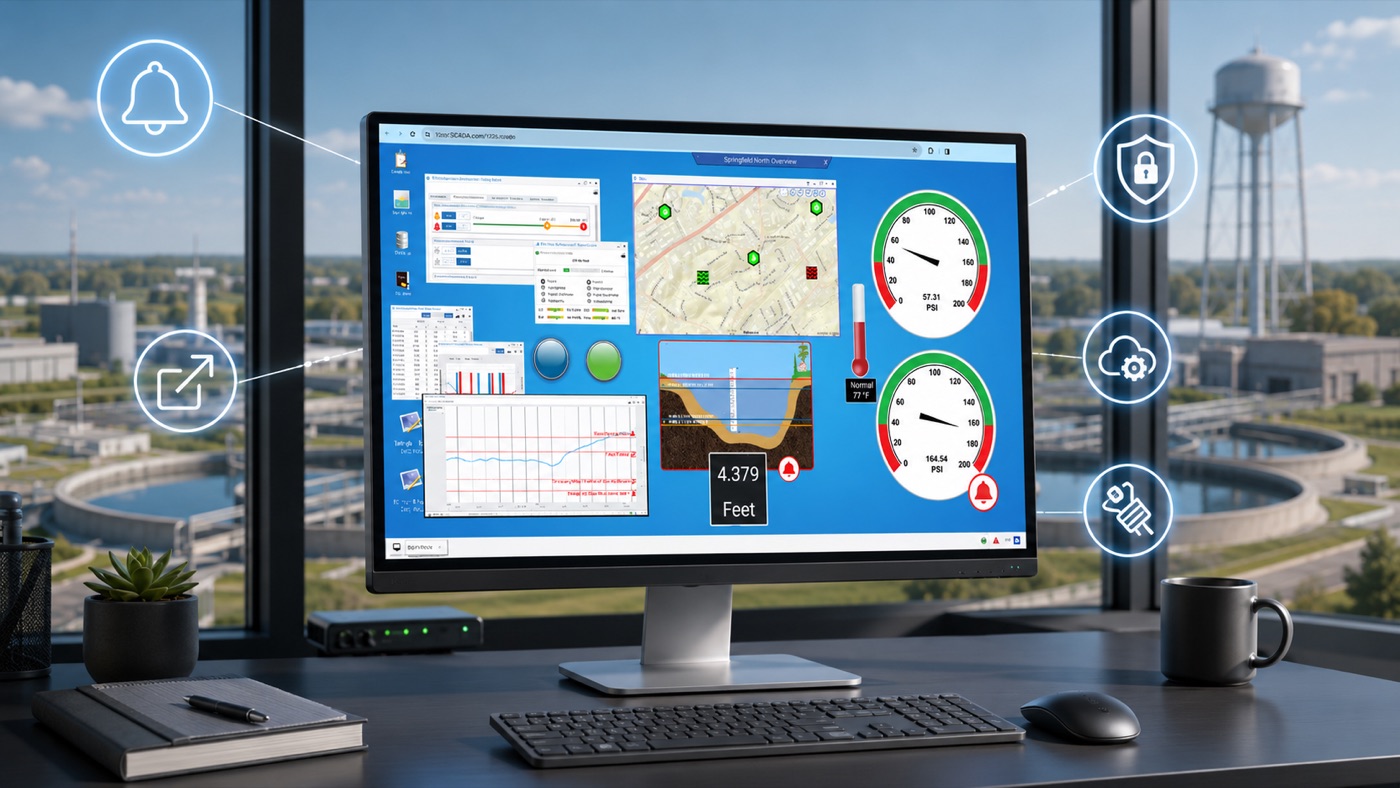
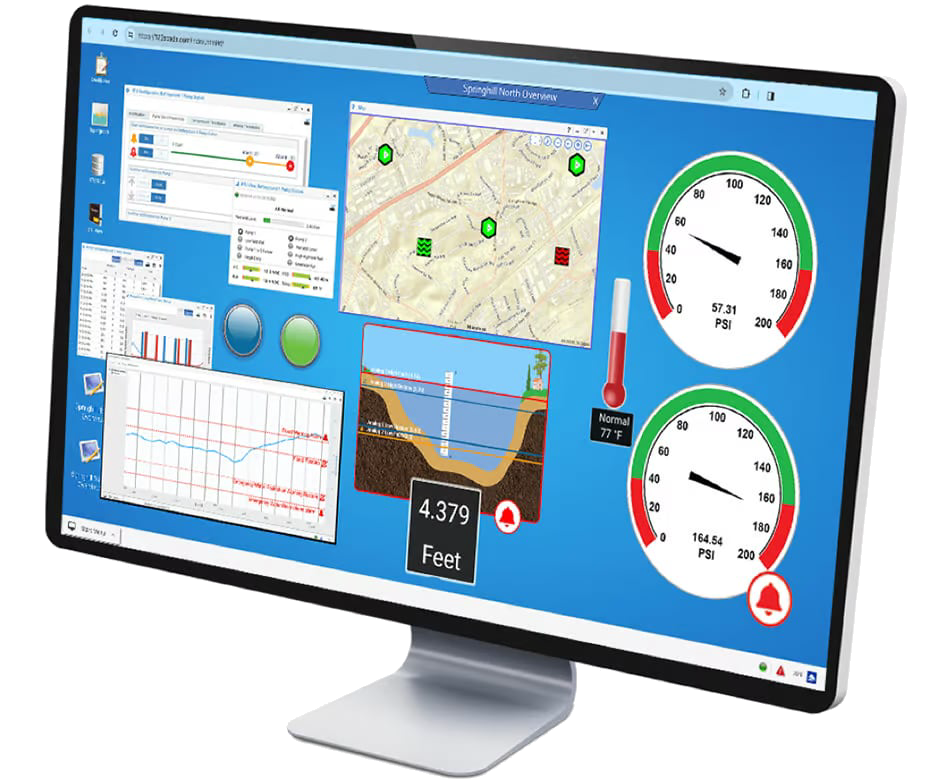
Upon login, 123SCADA displays a customizable map showing all monitored sites. RTU icons are color-coded to reflect current status: normal operation, active alarm, communication fault, or items of interest. Animated icons show real-time pump running status.
Clicking any site icon opens detailed views showing current levels, pressures, flows, pump states, and alarm conditions. Operators can open multiple windows simultaneously for a control-room effect, with customized desktop layouts that can be saved and recalled on demand.
Data streams to the browser in real time with no manual refresh required. The interface adapts automatically to large monitors, tablets, and smartphones, providing consistent functionality across all screen sizes.
Real-Time Alarm Management
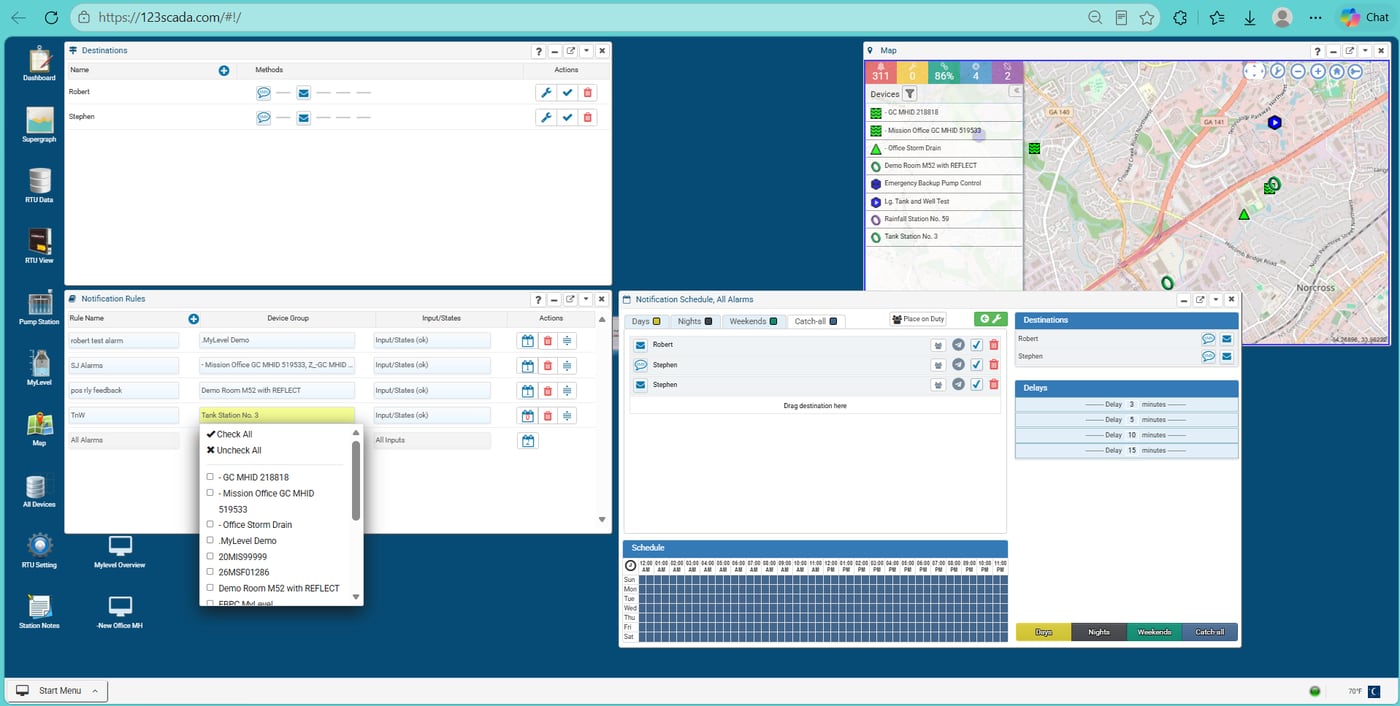
123SCADA’s alarm management engine dispatches real-time notifications in less than a minute via phone call, text message, email, fax, or direct feed to an existing HMI system. Operators acknowledge alarms via any of these methods (except fax), with a toll-free number provided for phone acknowledgment.
The system supports highly configurable alarm rules including compound conditions, time delays, and threshold-based escalation. Call-out schedules can be customized by time of day, day of week, and escalation priority. An address book of alarm recipients allows centralized management of contact information and notification preferences.
Call playback allows operators to listen to recordings of alarm call-outs, eliminating confusion about which alarms were received. Nuisance alarm reduction features suppress repetitive notifications for known conditions. All alarm events, acknowledgments, and dispatch logs are retained for compliance reporting.
Reporting and Data Analysis
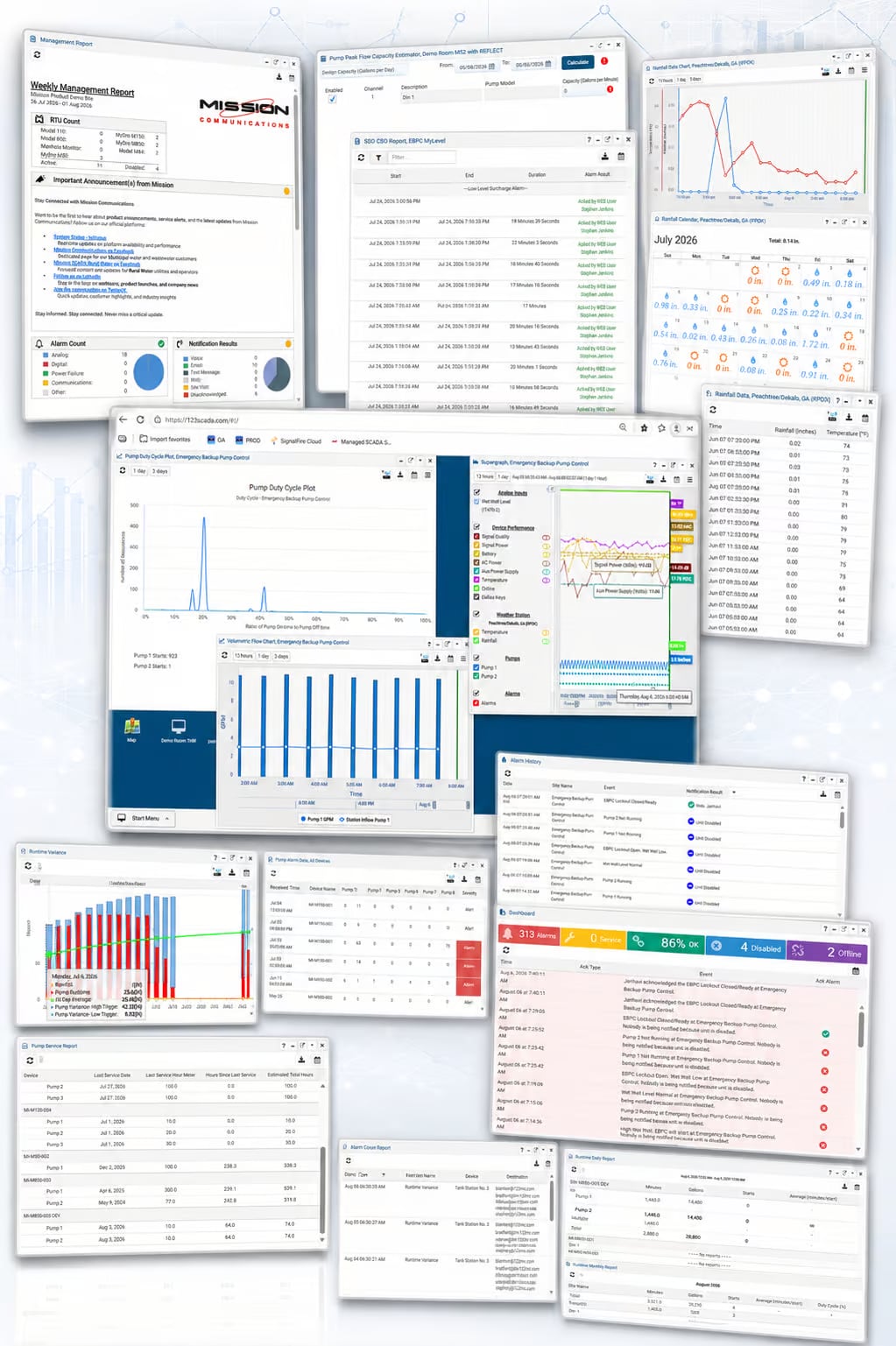
123SCADA includes more than 50 pre-built reports optimized for the sensors and features of Mission’s RTU product line. Report categories include:
- Pump Performance — Runtimes, starts, daily and monthly summaries, and variance analysis displayed in tables and graphs.
- Alarm and Alert Logs — Comprehensive dispatch logs with access to call recordings, acknowledgment status, and resolution tracking.
- Flow and Rainfall — Flow meter data, rainfall totals from tipping buckets or National Weather Service feeds, and integrated rainfall-versus-runtime graphs for I&I analysis.
- Compliance Reporting — CSO/SSO event logs, SDWA chlorine residual tracking, capacity estimator calculations, and weekly management summaries.
- Engineering Tools — Supergraph overlay analysis, volumetric calculations, and comparative trending across multiple sites.
All reports can be downloaded, scheduled for automatic email delivery, or exported to spreadsheets and CSV files. Historical data is available from the date of RTU installation for long-term trend analysis and regulatory audits.
123SCADA Mobile App
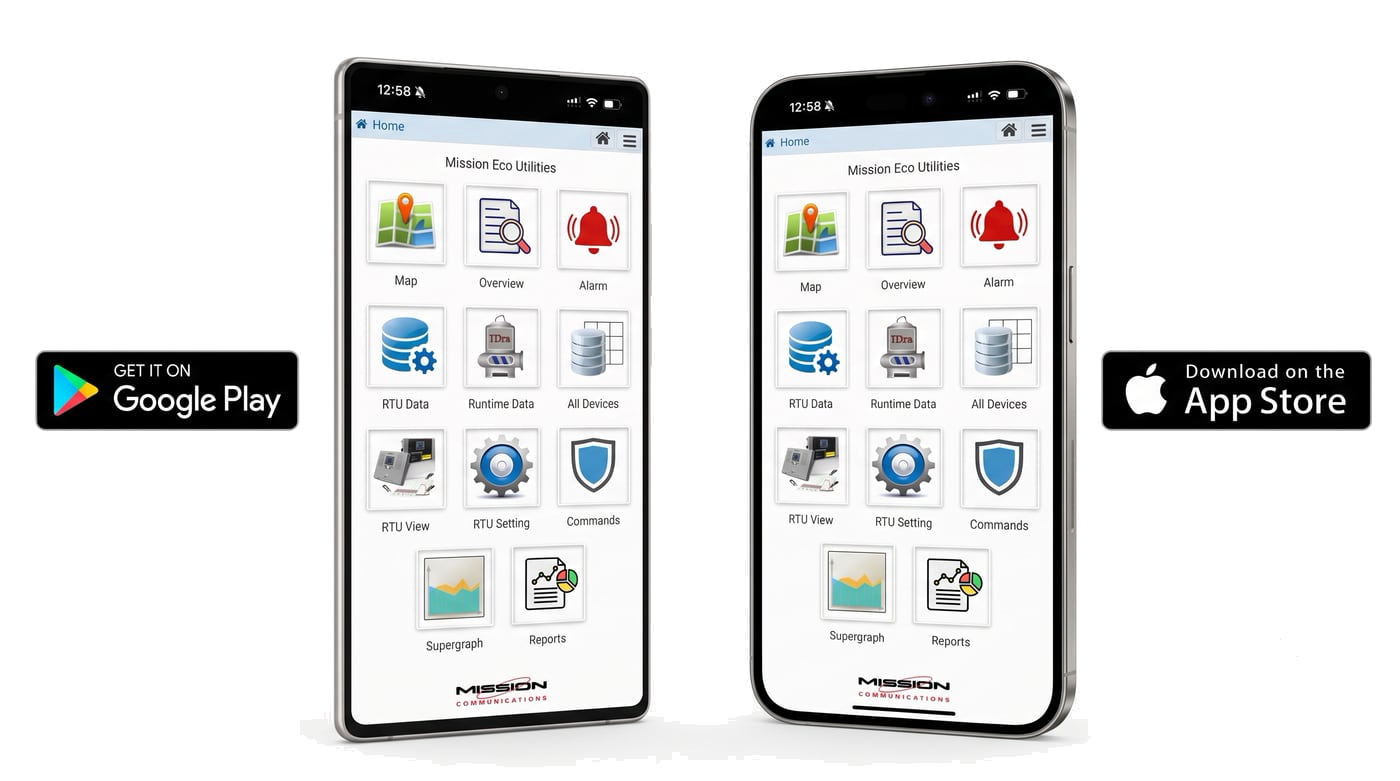
The 123SCADA mobile app extends the full monitoring experience to smartphones and tablets through a native app available on the App Store and Google Play. Live data streams directly to the app, and all menus update to reflect real-time conditions.
The app makes field work more efficient with features designed for on-site operations: QR code scanning for instant RTU access, GPS-based device location mapping, and camera integration for submitting photos directly to support tickets.
RTU configuration is available through the app, allowing operators to adjust alarm thresholds, analog scaling, and call-out settings from the field without returning to the office. Staff location sharing (optional) helps dispatch coordinators route service calls efficiently.
Enterprise-Grade Security
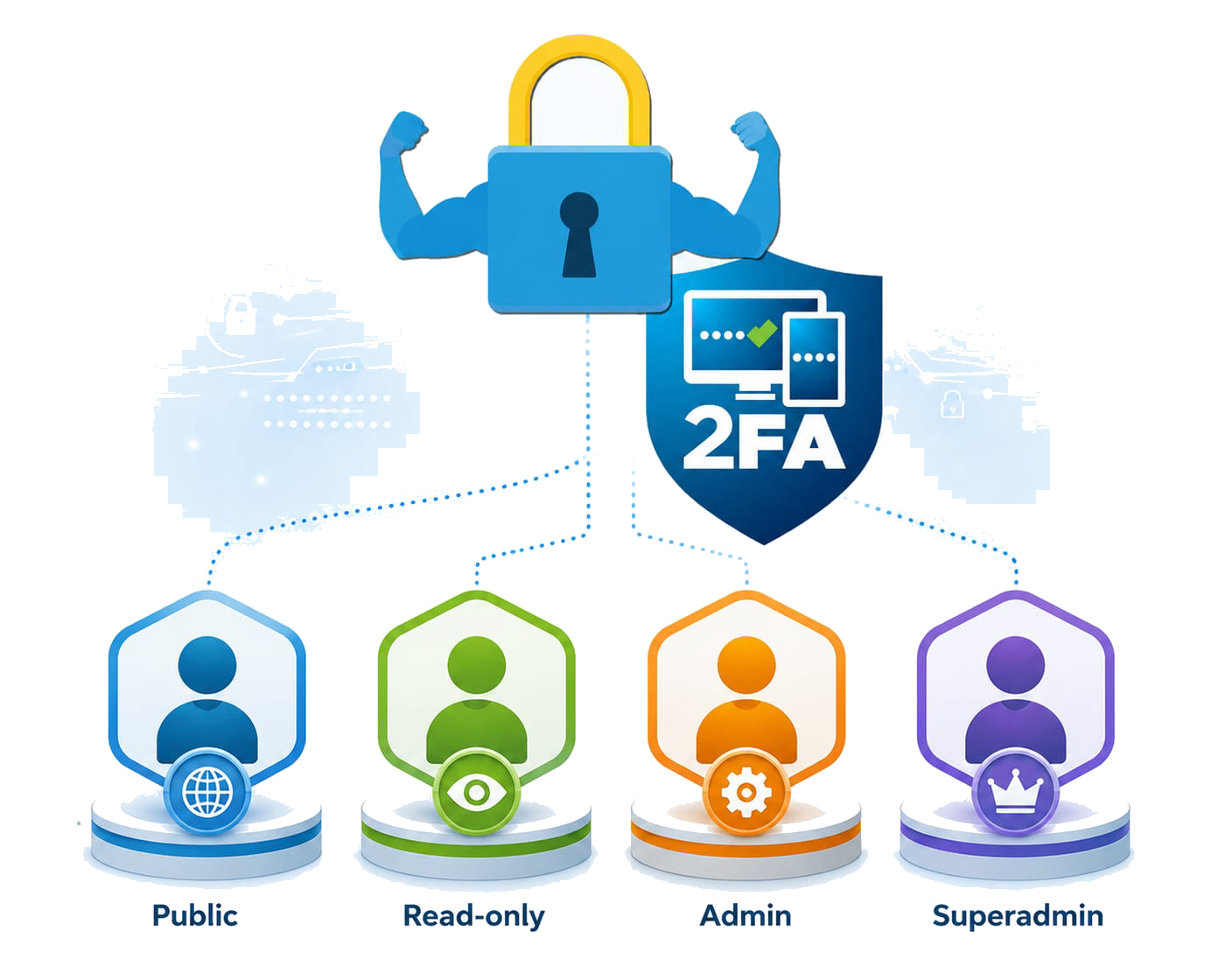
123SCADA is secured with a defense-in-depth strategy that protects data at every layer. Security features include multi-factor authentication (2FA), strong password enforcement up to 25 characters with mixed-case and special character requirements, mandatory password reset intervals, and account lockout after failed login attempts.
Data in transit is protected by 2048-bit TLS encryption. All user activity is logged and monitored, with automatic IP blacklisting for repeated failed logins and flagging of access attempts from outside the US and Canada.
Five levels of user rights (Public, Read-only, Read-only + ACK (Operator), Admin, and Superadmin). Mission’s hosted infrastructure includes redundant power feeds, biometric access controls, 24/7 security patrols, and fire suppression systems at the data center facility.
OPC-UA Integration
For utilities that operate a separate plant SCADA system, 123SCADA supports OPC-UA integration to feed Mission’s field data directly into existing HMI and historian platforms. This allows utilities to view collection system and distribution system data alongside plant process data in a single interface without replacing their existing control systems.
The OPC link provides read access to all RTU data points, enabling integration with third-party SCADA platforms, asset management systems, and data analytics tools.
123SCADA videos

Frequently Asked Questions
What does 123SCADA platform monitor day to day?
123SCADA platform helps operators watch system conditions, respond to alarms, review trends, and understand asset performance from one interface. It supports daily operations by making important information easier to access and act on.
Can 123SCADA platform be accessed remotely?
Yes. the 123SCADA platform provides secure remote access so users can review dashboards, alarms, and reports from different locations. That flexibility improves response time and makes distributed operations easier to manage.
How does cloud-based 123SCADA platform differ from installed software?
Cloud-based 123SCADA platform is accessed through a hosted environment rather than relying only on local servers. That can reduce IT overhead, simplify updates, and improve access for teams working across multiple locations.
Get Started with 123SCADA
Every Mission managed SCADA subscription includes full access to the 123SCADA platform and mobile app. Request a live demo to see the platform in action. Call 877.993.1911 or click below to get started.