- Products
- 123SCADA Platform
- Mobile App
123SCADA Mobile App
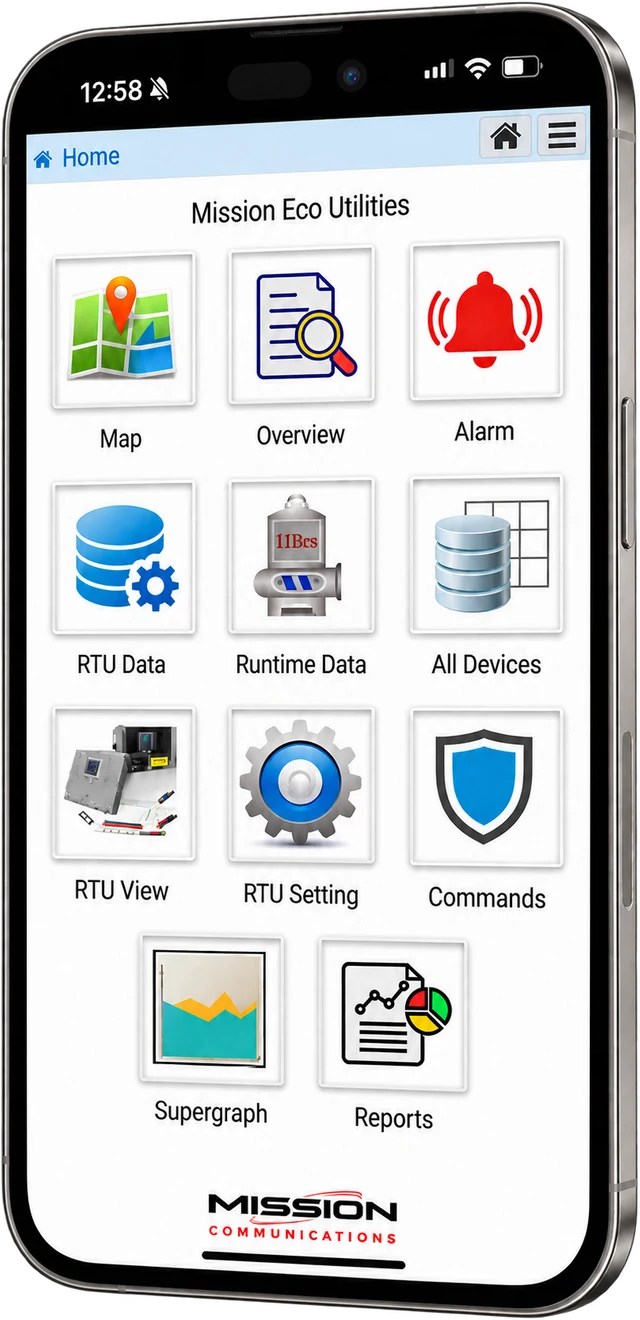
The 123SCADA mobile app brings the full power of Mission Communications’ cloud-based SCADA platform to your smartphone or tablet. Available as a free download from the Apple App Store and Google Play Store, the app gives water and wastewater utility operators real-time access to alarms, data, reports, and device configuration from anywhere.
Full-Featured Mobile Access
The 123SCADA mobile app is not a stripped-down companion app. It delivers the complete monitoring and management capabilities of the web portal optimized for touch interfaces.
Respond to alarm notifications, view live sensor data, access trending graphs, and review reports from the same intuitive interface whether you are at the office, in the field, or on call.
On-Site RTU Configuration
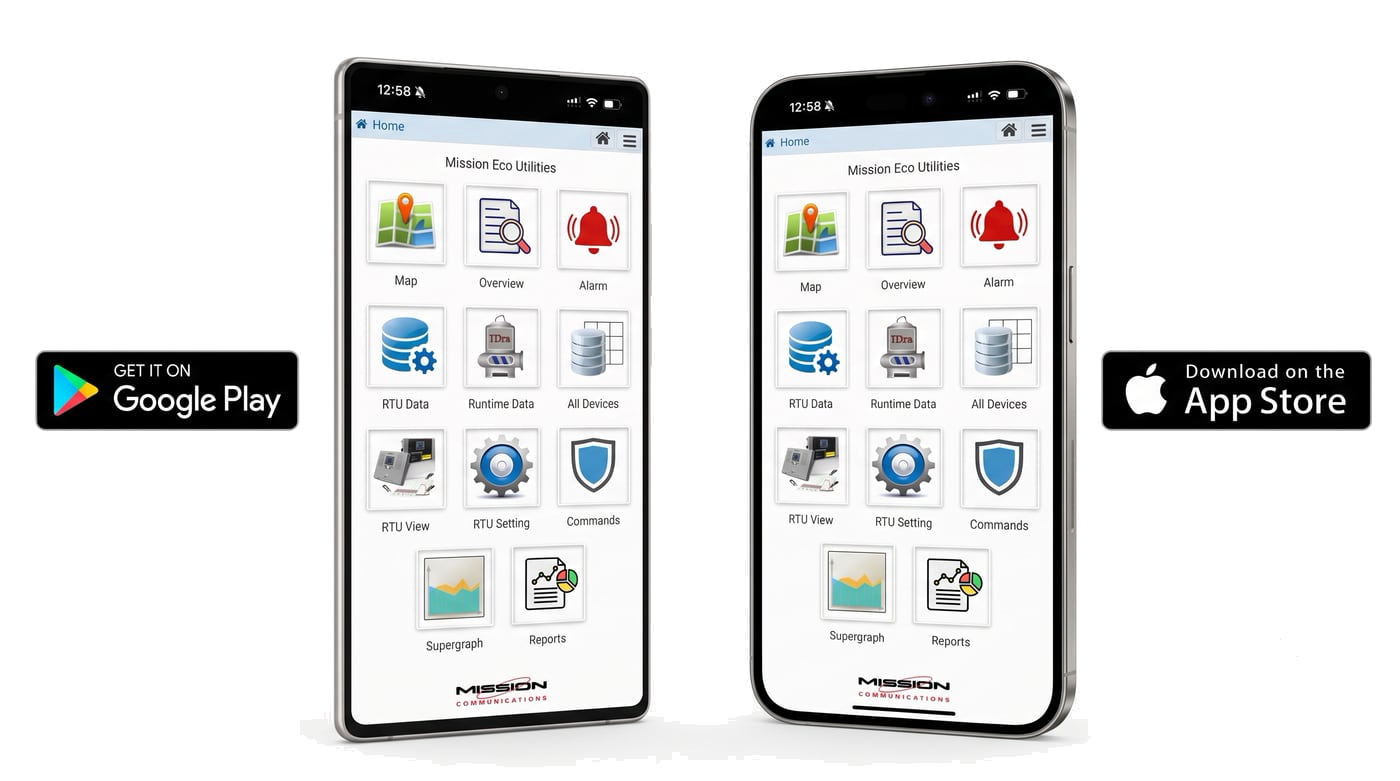
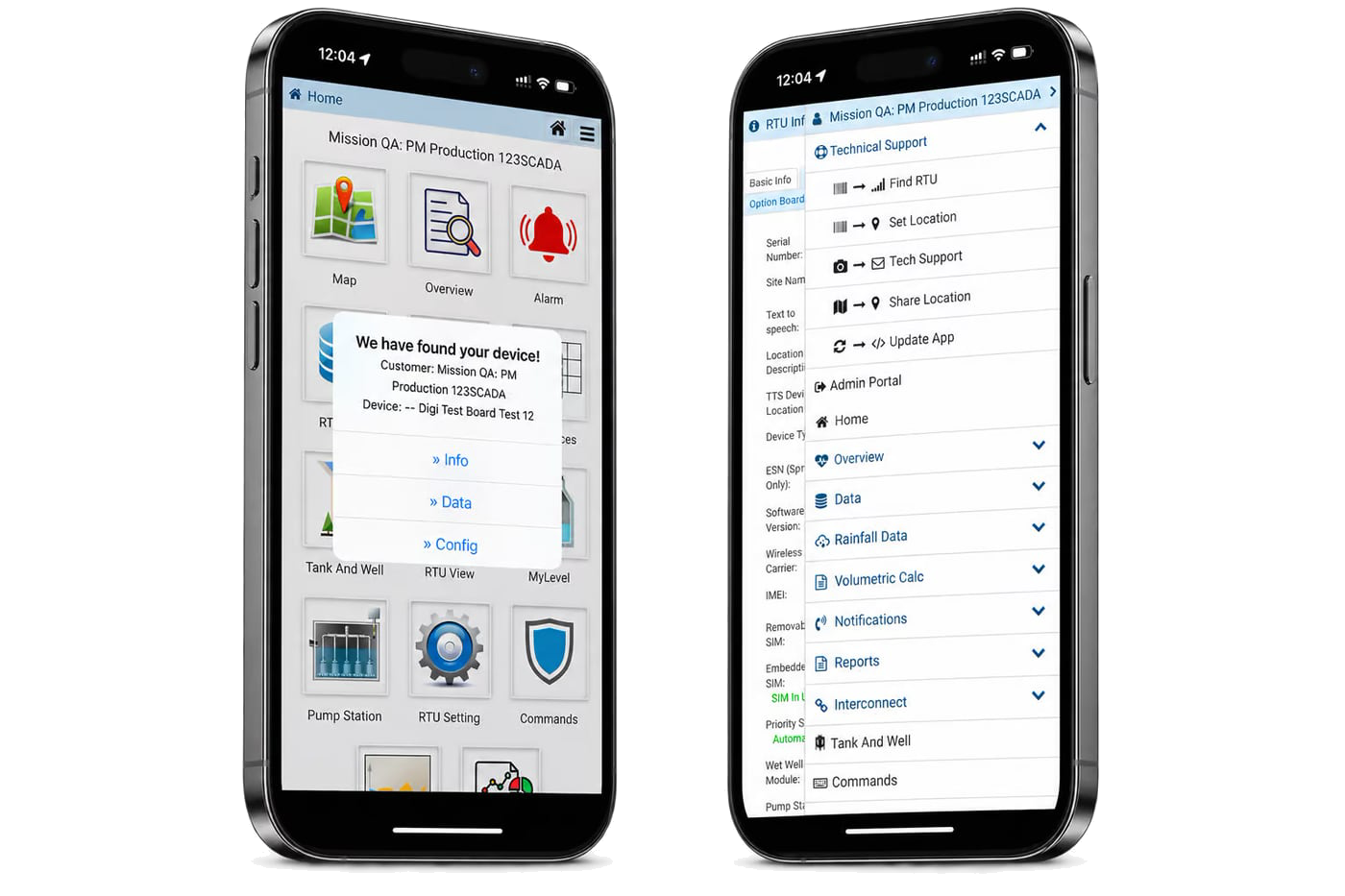
The mobile app makes on-site RTU setup and configuration faster than ever. Through the app, technicians can scan the QR code printed on any Mission RTU to instantly access:
- RTU View: Live status of all connected sensors and inputs
- RTU Info: Device details, serial number, firmware version, and network status
- RTU Config: Call-out settings, alarm thresholds, input labels, and device parameters
These capabilities eliminate the need for a laptop in the field and allow technicians to verify configurations, adjust settings, and confirm proper operation in real time during installation or maintenance visits.
Made for the truck, not just the desk
Geolocation and Team Coordination
The app integrates geolocation to automatically identify RTU positions without manually entering coordinates. When staff members choose to share their location, they appear on the map with location markers. This feature streamlines field workflows by enabling dispatchers to identify the closest available technician and coordinate service calls efficiently.
Camera Integration for Support
Operators can use the mobile device camera to photograph site equipment including RTUs, antennas, enclosures, and expansion modules, then submit images directly to a support ticket. This integration makes it significantly easier for Mission Technical Support to troubleshoot issues remotely and resolve problems without requiring a follow-up visit.
Real-Time Alarm Response
When an alarm triggers, push notifications alert on-call operators instantly. From the notification, operators can jump directly into the alarm detail view to assess the situation, acknowledge the alarm, and take corrective action. The app displays the same comprehensive alarm data as the web portal including event history, sensor readings at the time of alarm, and call-out status.
Download the App
The 123SCADA mobile app is available for free from the Apple App Store (iOS) and Google Play Store (Android). The app requires an active 123SCADA account with valid login credentials. All five access levels (Public through Superadmin) are supported, and two-factor authentication works seamlessly on mobile devices.
More About 123SCADA
123SCADA Platform
Dashboards, alarms, reports, mobile app, security, and OPC-UA integration — the cloud platform included with every Mission RTU.
Platform overviewFeatures
Live map and data views, customizable desktops, alarm management, remote commands, and unlimited users with five access levels.
Explore FeaturesReporting
Pump performance, analog and digital data, flow, compliance, engineering, and management reports, exported or scheduled to your inbox.
Explore ReportingSecurity
Encrypted private cellular networks, a carrier-grade data center, 2FA, five levels of role-based access, and full activity logging.
Explore SecurityFrequently Asked Questions
What can users do with the 123SCADA mobile app?
Users can view alarms, check status, monitor assets, and stay informed while away from a desktop. The app helps operators remain connected to important system information when they are in the field or off site.
How does mobile access improve alarm response?
Mobile access improves alarm response by putting notifications and system visibility directly in the hands of users. That shortens the time between receiving an alert and understanding what needs attention.
Is a mobile SCADA app useful for field staff?
Yes. A mobile SCADA app is useful for field staff because it lets them review system conditions while travelling or working on site. That can reduce delays and help them arrive with better context.
See the app with your sites on it
Every Mission managed SCADA subscription includes the 123SCADA mobile app. Request a demo and we’ll walk through alarms, live data, and RTU setup on a phone.