
- Home
- Support
- Contact Technical Support
Contact Technical Support
Mission Communications offers responsive, knowledgeable technical support to keep your systems running smoothly. Whether you’re troubleshooting an issue or need help configuring your setup, our team is here to assist.
Expertise You Can Count On
- 24 × 7 × 365 support available
- U.S.-based support team with deep product expertise
- Available by phone, email, or online ticketing
- Fast response times and clear, actionable guidance
- Remote diagnostics and assistance when needed
- Access to documentation, FAQs, and training resources
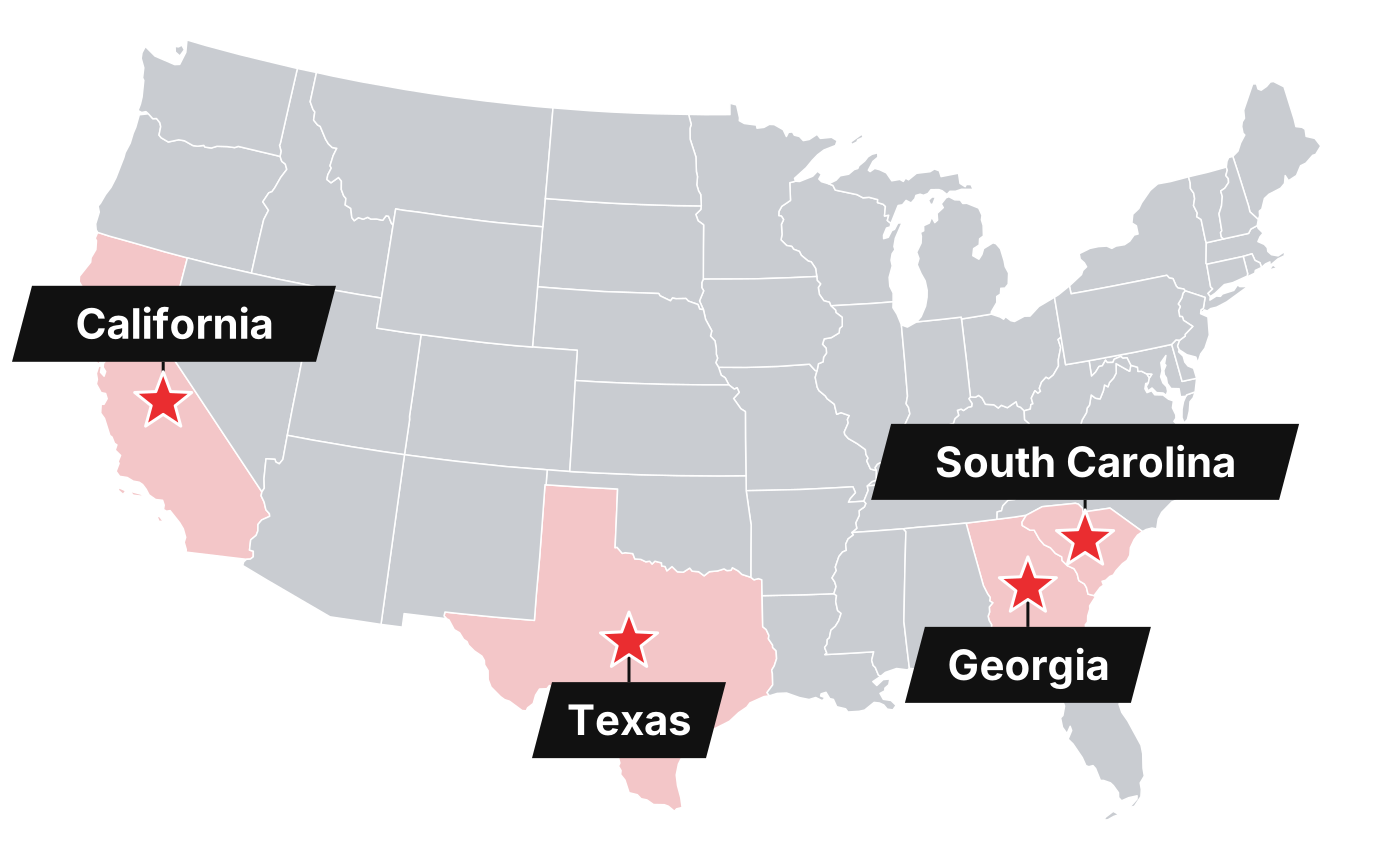
Mission’s technicians are located across the country and know the hardware and the platform inside out, because Mission designs, builds, and hosts all of it. One call reaches the people who built the system.
Support is part of the service, not an add-on
Live support during business hours
Call and reach an experienced U.S.-based technician, not an outsourced call center. Support is never farmed out.
After-hours emergency callback
Alarms do not keep office hours. Emergency callback is available around the clock for customers, at no extra charge.
Remote diagnostics
With your permission, technicians can look at your RTU and 123SCADA configuration with you on the line and fix most issues in one call.
Training for new operators
Staff turnover is normal. New operators get walked through the platform, and the weekly webinar is open to everyone on your team.
“Your technical support is the main reason I recommend Mission to everyone. It’s truly a one-call solution, unlike other companies that farm out their technical support.”
Phone, email, or a ticket from your 123SCADA account
Mission Communications, LLC
3170 Reps Miller Rd., Suite 190
Norcross, GA 30071
877.993.1911 toll free, option 2
678.969.0021 office · 678.969.0541 fax
TechSupport@123mc.com
Sales or general question? Use the Contact Us page or call option 4.
877.627.2232 toll free
TechSupport@123mc.ca
Sales@123mc.ca
Support hours are 8 A.M. to 7 P.M. Eastern. After-hours emergency callback is available to customers at no extra charge.
- Site name and RTU model or serial number
- What the alarm or screen showed, and when
- Any wiring or configuration changes made recently
Documentation, guides, and training
Documentation
Product manuals, spec sheets, and quick-start guides.
OpenInstall guides
Step-by-step wiring and mounting for every RTU.
OpenVideos
Platform tours, unboxings, and how-tos.
OpenWeekly webinars
Live Q&A every Wednesday at 2 P.M. Eastern.
OpenFAQs
Quick answers on service, hardware, setup, and billing.
OpenSystem status
Current status of the 123SCADA platform and hosted infrastructure.
Open